Runs on our test server — payments inside the demo are simulated. 预览环境内支付为模拟。
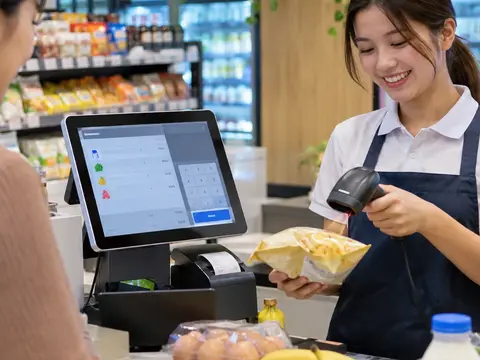
Illustrative · 示意图
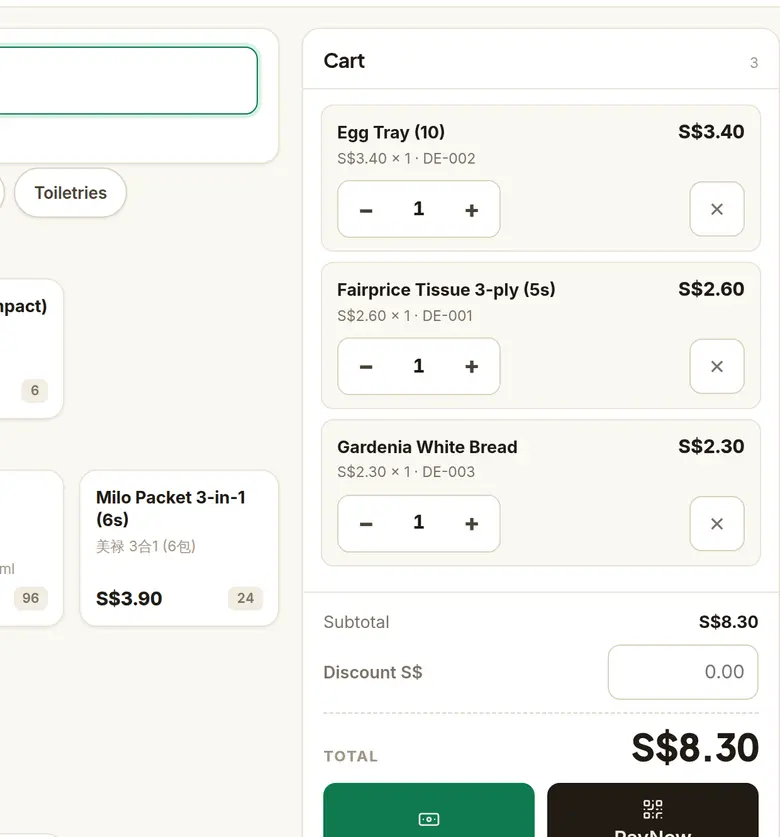
Scan 扫码 · Basket 购物篮 · Checkout 结账 — one register screen · Current preview interface · Sample data 当前预览界面 · 示例数据 · Open full size ↗
✓ Fully built and tested✓ Most USB barcode scanners work✓ Your product list imports by CSV✓ Test server — simulated payments
Built for the daily count
Six things a shop does, done properly.
Preview
Barcode checkout
Scanner types, Enter fires, sale opens
Any USB scanner works
Cash tender and change recorded
Preview
Stock ledger
Every move on the ledger
Oversell-proof checkout
Full refunds return stock
Preview
Stocktake
Open → count → close
Variance posts to the ledger
One open session at a time
Preview
Purchase orders
Suppliers directory
Draft → order → receive
Receiving updates cost price
Preview
Low-stock suggestions
Formula shown on the card
ceil(velocity × (lead+7)) − stock
Suggests; you decide
Preview
CSV in and out
Template download
Dry-run checks first
All-or-nothing import
Switching
Switching, said plainly. 换系统,明明白白。
Your product listBring it as CSV. Download the template, paste your items, run the dry-run; it checks everything before committing, all-or-nothing. Round-trip back out anytime. 商品清单——用 CSV 导入。
Your scannerIf it works like a keyboard, it works. Most USB scanners just plug in and type — nothing to install. 扫码枪——只要它像键盘就能用。
Your labelsPrint them the way you do today. StallPOS reads barcodes; it doesn't print labels. 标签——照今天的方式打印。
Your current systemsStallPOS keeps its own stock ledger. It doesn't sync with your existing POS or accounting software. 不同步现有系统。
Payments in the demoSimulated. Retail checkout today records cash; the PayNow inside the preview is labelled simulated, because it is. 演示中的支付为模拟。
Try it
Five minutes in the register.
Open the registerpreview.stallpos.com/sunshine/pos · PIN 222333
Scan or typeBarcode 2000000000015, press Enter
Take cashWatch the ledger and change
Open InventorySee the low-stock card
Open PurchasingThe draft PO is waiting
Or spin up a private sandbox that expires in 24 hours — from the demo centre. 也可以开通一个专属沙盒——仅您可见,24 小时后失效。
Retail runs today as a preview. Pricing on request — talk to us.