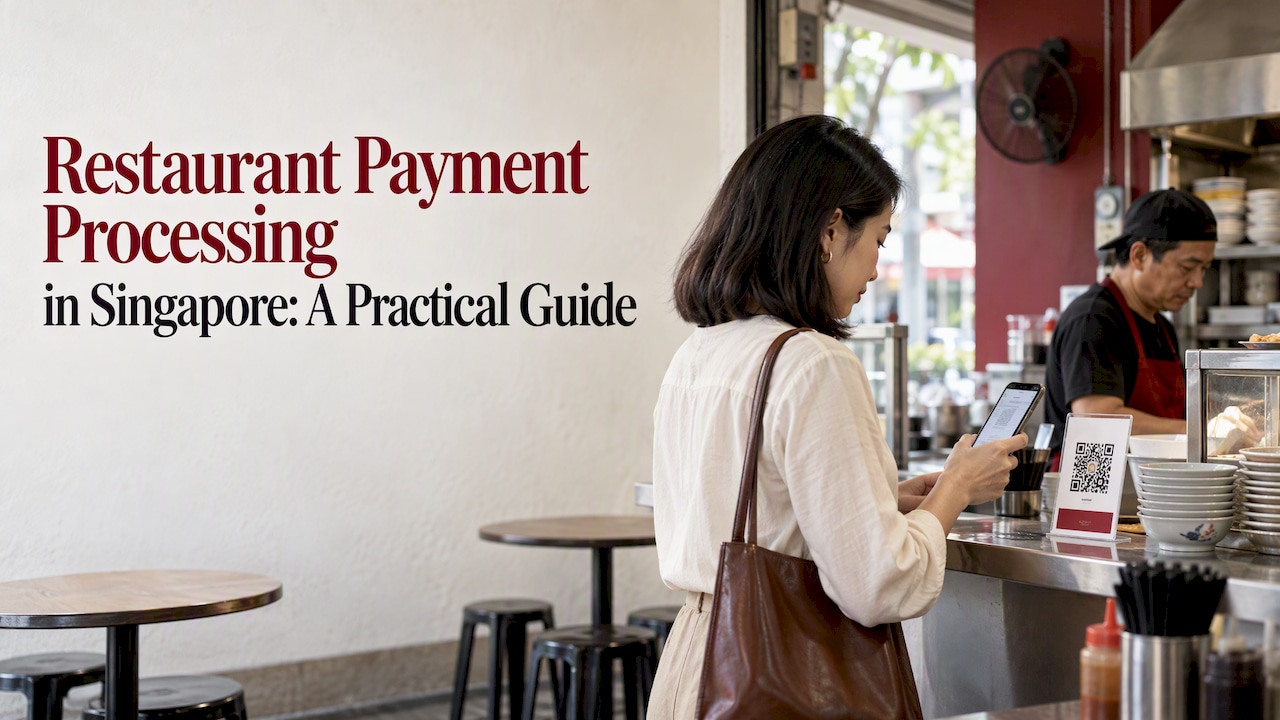
Restaurant payment processing is the chain that carries a diner's money from payment to your bank account. In Singapore that chain can be very short — a PayNow transfer straight into your account — or long, with a card terminal, an acquirer, a settlement delay and a fee on every swipe. This guide covers each route, the costs to check, and how to match the day's takings to the day's sales.
- PayNow is the shortest chain: customer scans, money lands in your bank account, no acquirer and no settlement wait.
- Your staff confirm each PayNow payment in the app with one tap — a person checks every payment, nothing is assumed.
- Card terminals work, but each swipe carries a percentage fee and often a rental or lock-in; read the contract before signing.
- Banks may not let you surcharge PayNow, and fee schedules change — check your own bank's page before you plan.
- Reconcile daily: POS totals, bank credits and terminal settlements should agree to the dollar at closing.
On this page
- How a payment travels from table to bank
- PayNow: the short chain
- SGQR: one label, several schemes
- Cards and cash: the longer chains
- Which setup suits which business
- The fees to check before you sign
- Reconciling the day's takings
- Confirming PayNow payments: one tap, not phone-watching
- Starting order for a new stall or small restaurant
- Cafés, caterers and custom orders
- Boss questions
- Related guides
- Where StallPOS fits
- Sources
How a payment travels from table to bank
Every cashless payment follows the same four steps.
- Order and amount. The bill is created — in your POS, on paper, or through a QR order on the customer's phone.
- Authorisation. The customer pays by card, phone wallet or bank transfer; PayNow moves directly between bank accounts.
- Settlement. A PayNow transfer lands in your account directly; card payments are settled by an acquirer, usually after a delay, minus fees.
- Reconciliation. You check that what the POS says you sold matches what arrived in the bank.
The more intermediaries between steps 2 and 3, the more fees, delays and reports you handle — that one idea explains most of the difference between options.
PayNow: the short chain
PayNow lets individuals and companies pay one another using a mobile number, NRIC or UEN. The customer scans a QR code, confirms the amount in their banking app, and the money goes into your bank account — no acquirer, no settlement wait.
Two rules help. As at the MAS 2024 parliamentary reply, major retail banks waive transaction fees on PayNow payments received from consumers, though nominal fees may apply for extras like instant notifications. And under Association of Banks in Singapore rules cited in the same reply, merchants may not add a surcharge for PayNow — so build the cost into your menu price rather than a separate line.
One caution: fee schedules change, and some banks have announced per-transaction fees for some business payment types — check your own bank's fee schedule before planning around any waiver.
SGQR: one label, several schemes
SGQR is a single QR label, launched in 2018, that consolidates several payment schemes into one code — the customer picks their preferred app, and you display one label instead of a sticker per wallet.
The catch, according to the same MAS paper, is that behind one label a merchant may still hold separate provider contracts, settlements and reconciliations. SGQR+ is designed to fix that with a single acquirer and one reconciliation point. In September 2022, MAS and IMDA proposed tiered fees for SGQR members to keep the central QR repository self-sustaining, while encouraging acquirers to absorb those costs rather than pass them to merchants — when a provider quotes you, ask what sits on top.
Cards and cash: the longer chains
Cards and linked phone wallets go through a terminal and an acquirer. They suit larger bills, groups and visitors from abroad. The trade-off is cost: a percentage per transaction, often terminal rental, and settlement after the day's trading. Ask any provider for the full fee schedule in writing.
Cash is free to take but costs time to count, bank and reconcile. MAS has noted that shifting to e-payments helps small businesses, including hawkers, cut the time and cost of manually counting, reconciling and banking cash. Most stalls keep cash as a fallback anyway.
S$58/month per stall · setup free · first 30 days of live ordering at S$0 from Go-Live · no commission on PayNow.
Which setup suits which business
| Business | Most practical setup | Why |
|---|---|---|
| Hawker stall | PayNow QR plus cash | Lowest cost, nothing to rent, money lands in your own account |
| Coffee-shop stall | QR ordering with PayNow (coffee-shop setup) | Customers order and pay from the table, no app needed |
| Café | PayNow or SGQR first; add a terminal later | Add cards only when tourists and office workers ask often enough |
| Restaurant | Cards paired with PayNow | Cards still matter for bigger bills and visitors; a POS keeps both straight |
| Caterer | PayNow with a payment reference | Deposits and balances each leave a trail |
The fees to check before you sign
Never compare providers on a single headline rate — work down this list.
- Per-transaction fees. For PayNow, your own bank's schedule is what matters; ask directly what applies to your account type.
- Personal versus corporate QR. Many hawkers take PayNow on a personal QR; companies collect on a corporate account under their UEN. Fee treatment can differ by account type, so confirm yours with your bank.
- Card merchant costs. Percentage by card type, monthly terminal rental, chargeback fee, settlement time — get all four in writing.
- SGQR membership. The September 2022 tiered-fee proposal reaches SGQR members through their acquirers; check whether your provider charges anything on top.
- Software. A POS or ordering system adds a subscription; ask whether it also takes a percentage of your sales — some do, turning a flat cost into one that grows with your success.
- Lock-in. Contract length, hardware ownership, and what happens to your menu and data if you leave.
Illustrative only — not a quote; your numbers will differ. Suppose a stall takes 150 PayNow orders a day. A flat monthly subscription costs the same on a quiet Tuesday and a mad Saturday, while any per-transaction fee grows with every one of those orders. Run the sum with your own order count before you choose.
Reconciling the day's takings
Reconciliation means proving that sales, payments and bank deposits agree. A daily routine:
- Export the day's POS sales total, split by payment method — cash, PayNow, card.
- Count the cash against the cash total.
- Match PayNow credits in the bank to the POS PayNow total.
- For cards, compare the acquirer's settlement report with gross sales, fees and net deposit.
- Note every difference, however small, with a reason: refund, void, test payment, wrong table.
Keep the records behind those numbers: GST-registered businesses must retain source documents such as invoices, receipts and bank statements to substantiate income and expenses, and IRAS is extending the InvoiceNow e-invoicing requirement to all GST-registered businesses, rolling out progressively from April 2028 to April 2031. Ask your accountant when your business falls in, and choose software that keeps clean records.
If payments land straight in your own bank account the routine stays short — one account, one list of credits; every extra provider adds another report to match.
Confirming PayNow payments: one tap, not phone-watching
Here is the honest reality of QR payments: nothing matches a PayNow credit to an order by itself. Someone has to confirm each payment; the question is how much of that person's time it takes.
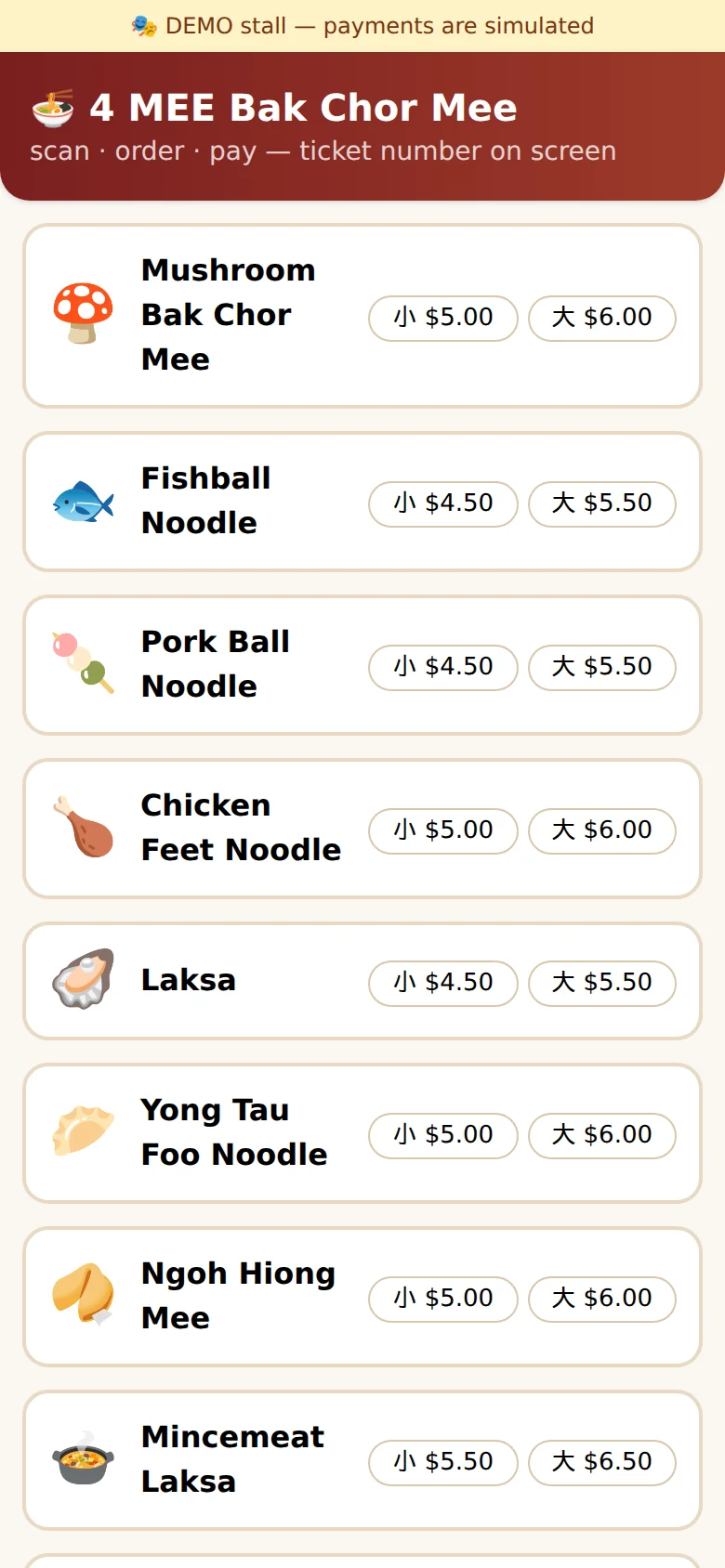
The bare way is watching the phone for bank notifications between orders. In StallPOS, each incoming PayNow payment shows up in the app against its order, and staff confirm it with one tap — and one tap during the lunch rush beats scrolling a bank app with a queue forming.
A person in the loop is a feature, not a leftover: a mis-keyed amount or a missing payment is caught on the spot, while the customer is still there.
Starting order for a new stall or small restaurant
- Decide the account. Ask your bank whether PayNow lands on a personal or business account, and what fees apply.
- Pick one QR route. Display a single PayNow or SGQR label and push your first sales through it.
- Tie payment to the order. With QR ordering, each payment shows up in the app against its order — no matching by eye.
- Add cards only when the data says so. Count how many customers walk away for want of a terminal before renting one.
- Run the daily reconciliation routine from your first week, and keep a cash float.
Our PayNow QR ordering walkthrough covers step 3 in detail; the hawker POS comparison sets out the trade-offs between system types.
Cafés, caterers and custom orders
Cafés live on modifiers — oat milk, extra shots, less sweet. Make sure your system records each modifier against the order, or reconciling the day's takings against what actually left the counter becomes guesswork.
Caterers work with deposits and balances. Take deposits by PayNow with a payment reference, record the reference against the booking, and issue a receipt for each stage — deposit, balance, final. Because PayNow cannot be surcharged, price custom work to cover your costs rather than adding a fee at the end.
Custom orders — catering portions, office orders, a party tray — need one rule: agree the final amount before payment. A system that lets you edit the order and generate the correct payment amount avoids the worst outcome, a customer who has paid the wrong figure and an argument at collection.
Boss questions
For most small food businesses, PayNow. As at the [MAS 2024 reply](https://www.mas.gov.sg/news/parliamentary-replies/2024/pq-on-charges-levied-by-banks-and-payment-service-providers-on-merchants-for-using-paynow), major retail banks waive transaction fees on consumer-to-merchant PayNow payments, though some banks have announced per-transaction fees for some business payment types — check your own bank's fee schedule. Cash is free but costs time.
No. Association of Banks in Singapore rules cited in [MAS's 2024 parliamentary reply](https://www.mas.gov.sg/news/parliamentary-replies/2024/pq-on-charges-levied-by-banks-and-payment-service-providers-on-merchants-for-using-paynow) prohibit merchants from imposing surcharges on PayNow transactions. Build any cost into your menu prices instead.
Not necessarily — plenty of hawkers run on PayNow and cash alone. Consider one when customers regularly ask to pay by card, and compare percentage fee, rental and settlement time first.
Export POS sales by payment type each day, match PayNow totals to the bank credits and card totals to the acquirer's settlement report. In StallPOS, each payment appears against its order and staff confirm it with one tap — nobody scrolls bank notifications at the counter.
If you are GST-registered, yes. IRAS requires you to [retain source documents](https://www.iras.gov.sg/media/docs/default-source/e-tax/record-keeping-guide-for-gst-registered-businesses.pdf) such as invoices, receipts and bank statements, and the [InvoiceNow requirement](https://www.iras.gov.sg/news-events/newsroom/committee-of-supply-2026--extension-of-gst-invoicenow-requirement-to-all-gst-registered-businesses-by-april-2031) reaches all GST-registered businesses between April 2028 and April 2031. Ask your accountant which year applies to you.
Related guides
Where StallPOS fits
We built StallPOS running our own noodle stall, so this guide is written from the counter. StallPOS covers QR ordering, the cashier point-of-sale, a kitchen display for the cooking side, menu management with sold-out toggles, and daily sales reporting. PayNow payments go straight to your bank account with no StallPOS commission (your bank's fees, if any, are separate), confirmed by staff with one tap in the app.
It costs S$58 a month per stall, month to month. Setup is free — we build your menu with you — and your first 30 days of live ordering cost S$0, counted from your Go-Live day rather than the day you sign up. PayNow QR is the payment method, so you can start without buying terminals; card / credit-card terminal payments are not part of StallPOS today.
The menu and interface work in English and Chinese. Stall operators can see the stall plan and coffee-shop operators the coffee-shop setup; if you run a full restaurant, the same starting point applies — one QR route, one flat monthly cost, PayNow straight to your bank. The hawker POS guide goes deeper on choosing a system.